Tessavra Agent · Everyday tools
Speak into any Mac app. Keep your own words.
On the Mac, hold a shortcut and talk. Tessavra types what you said wherever your cursor is, and gives you tools around it: a dictionary, snippets, Transforms and a scratchpad.
An interactive dictation demo. Choose a sample, then press and hold the Hold to talk button, or focus it and hold Space. The capsule shows Listening, then Tidying, and the tidied words are typed into the message. Transforms rewrite the last dictation, and typing a snippet trigger word drops in the saved text.
ToDaniel Okafor · Northgate Logistics
SubjectRevised numbers
Your words appear here
Sample
Transforms rewrite the last dictation
Current limits
- macOS only.
- Shared snippets can be expanded. Creating your own snippets or transforms from the desktop is not available yet.
- When text clean-up is on, dictated text is sent to a cloud language model.
Illustrative interface — fictional demonstration data.
Dictation
Hold to talk, in any Mac app.
Hold the shortcut, speak, and let go. The capsule shows that it is listening. Your words are typed where your cursor is, in the app you are using, but not into password fields. When text clean-up is on, a pass removes fillers and fixes self-corrections, and your dictated text is sent to a cloud language model to do it. Double-tap to keep listening hands-free.
- Typed where your cursor is, on macOS
- Skips secure fields such as passwords
- Clean-up removes fillers and fixes self-corrections
- Clean-up sends dictated text to a cloud language model

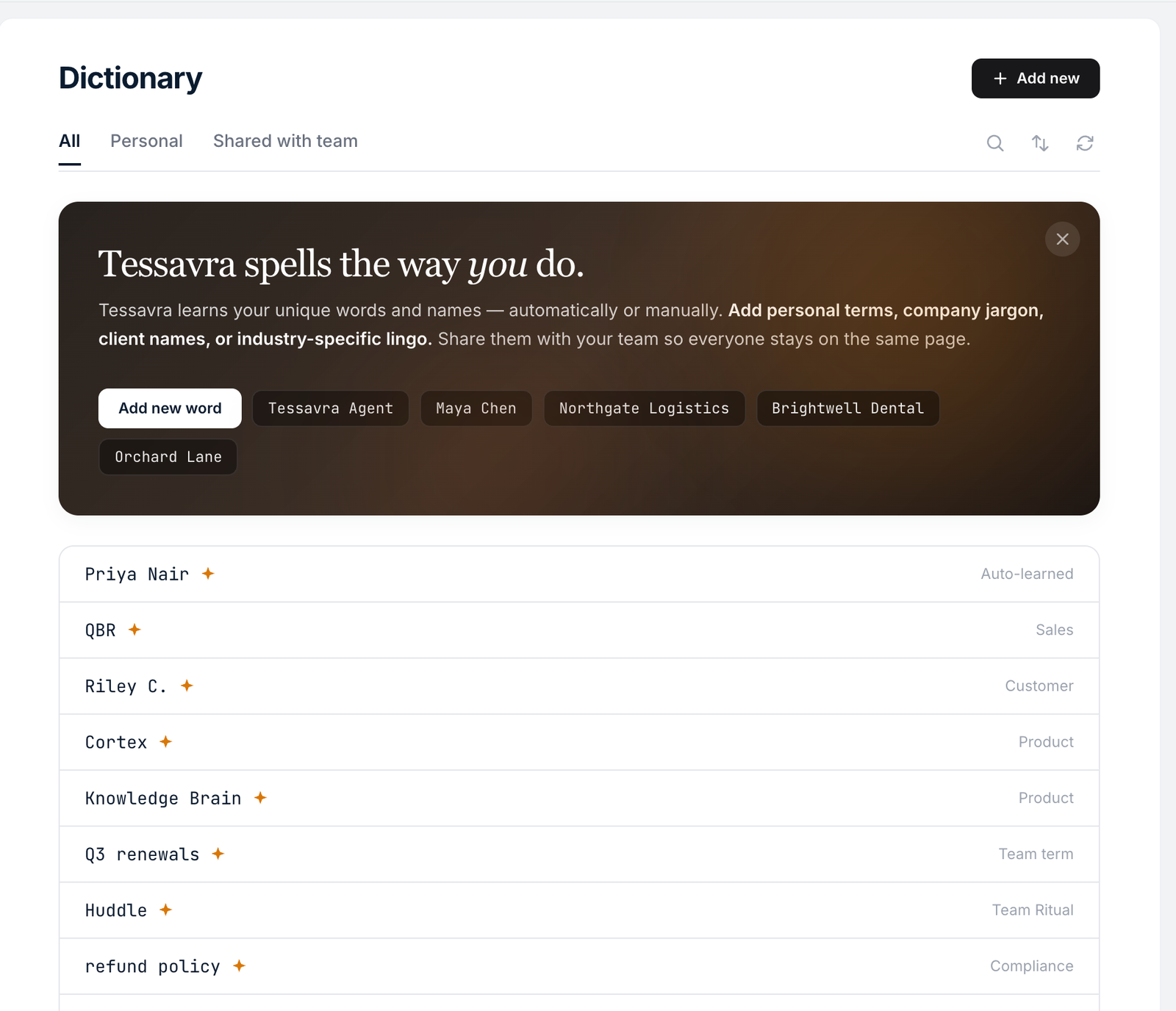
Dictionary
Spells the way you do.
Add names, company terms and jargon, and Tessavra spells them the way you do. Your own terms are kept on this computer. Terms set up for your organisation are read-only.
- Your own terms, kept on this computer
- Organisation terms are read-only
- Names, jargon and industry terms
Snippets
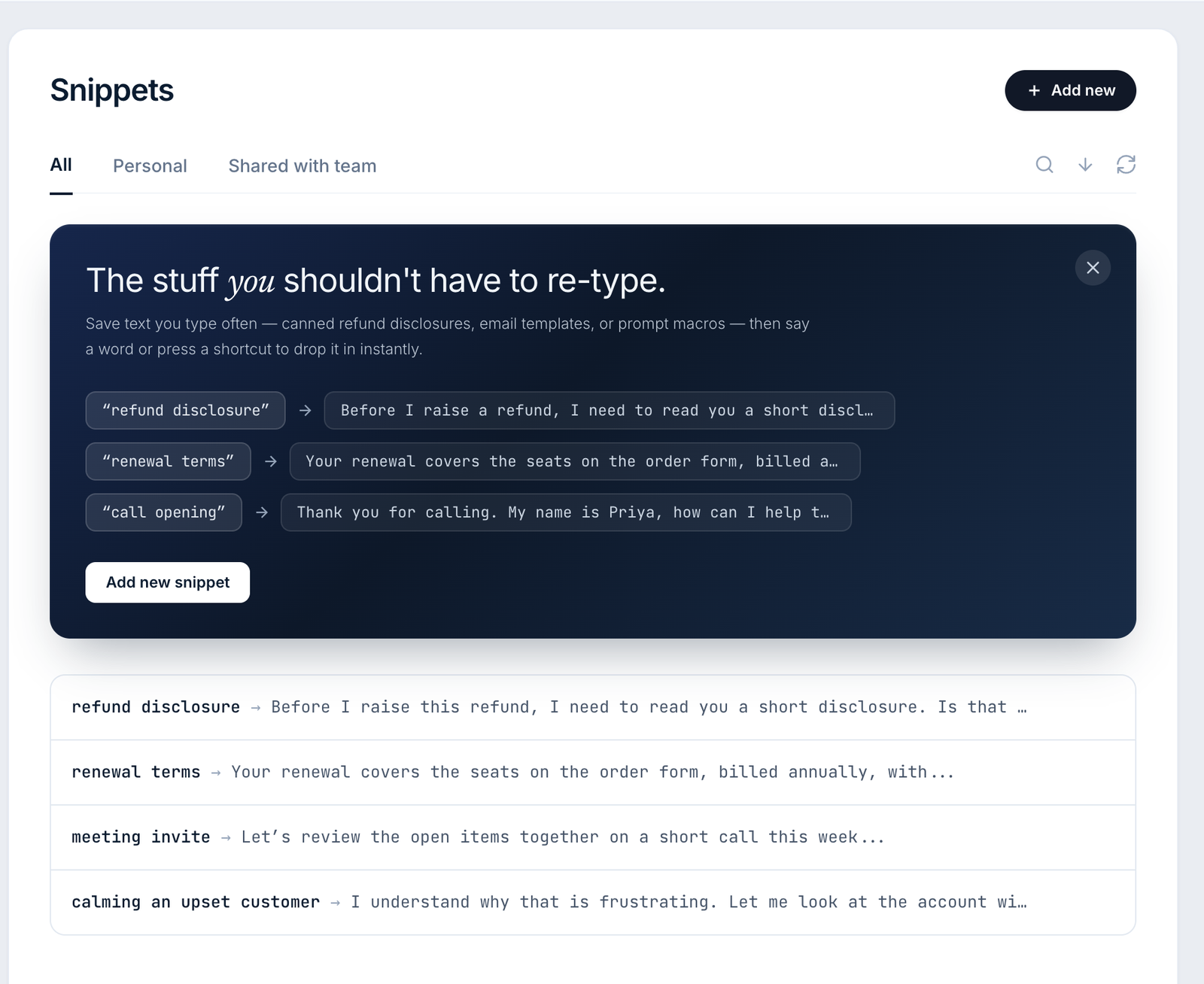
Expand a snippet where you type.
Snippets set up for you or your organisation, such as a disclosure, an email template or a prompt, drop in when you say a trigger word or press a shortcut. Creating your own snippets from the desktop is not available yet.
- A trigger word or a shortcut
- Creating your own is not available yet
Transforms
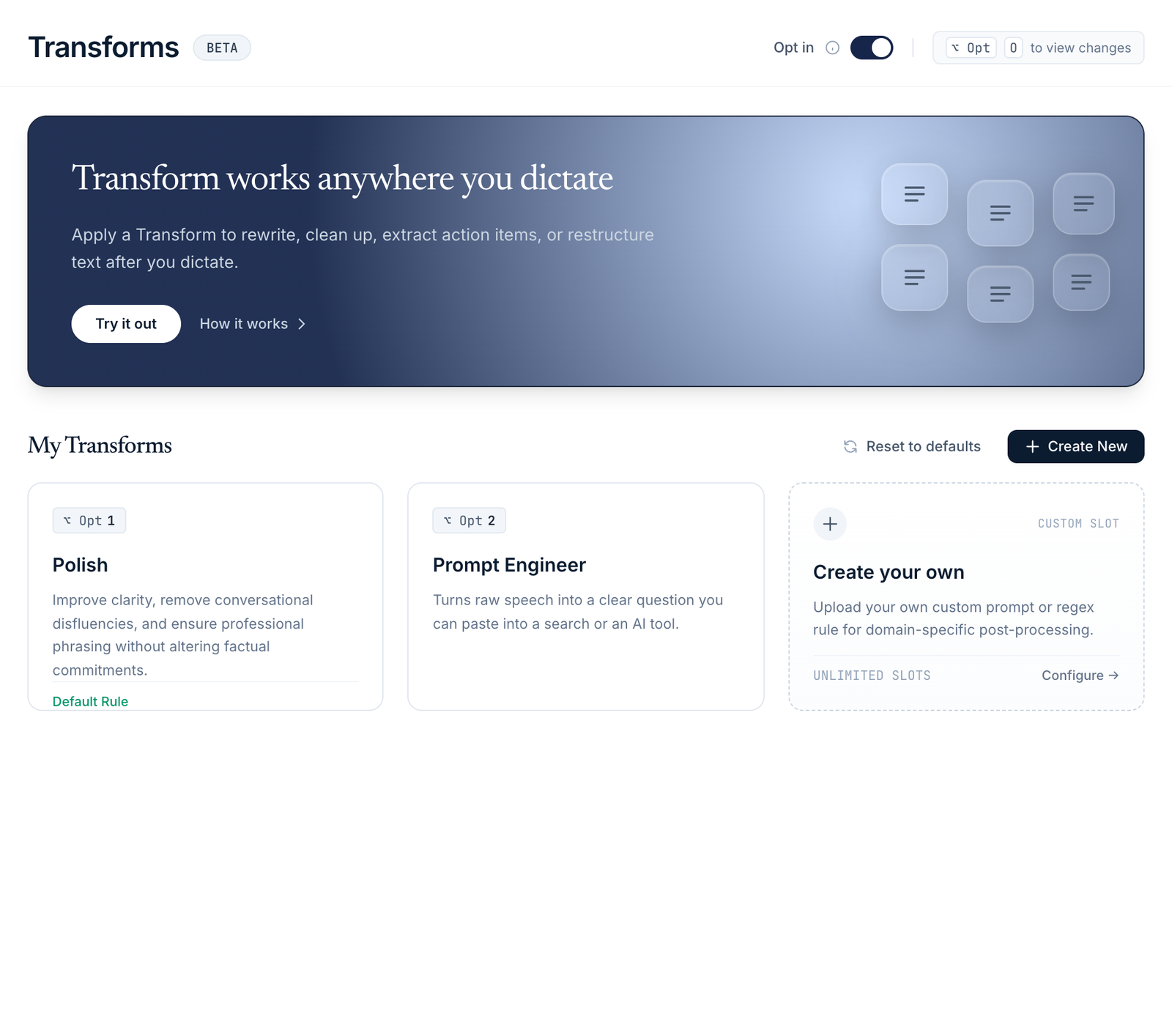
Rewrite with a hotkey.
Apply a Transform to what you just dictated. Polish clears up the phrasing without changing what was said. Prompt engineer turns raw speech into a clear question to paste into a search or an AI tool. Transforms set up for your organisation can be added. Creating your own from the desktop is not available yet.
- Polish and Prompt engineer built in
- Organisation Transforms can be added
- A rewrite may use a cloud language model
Scratchpad
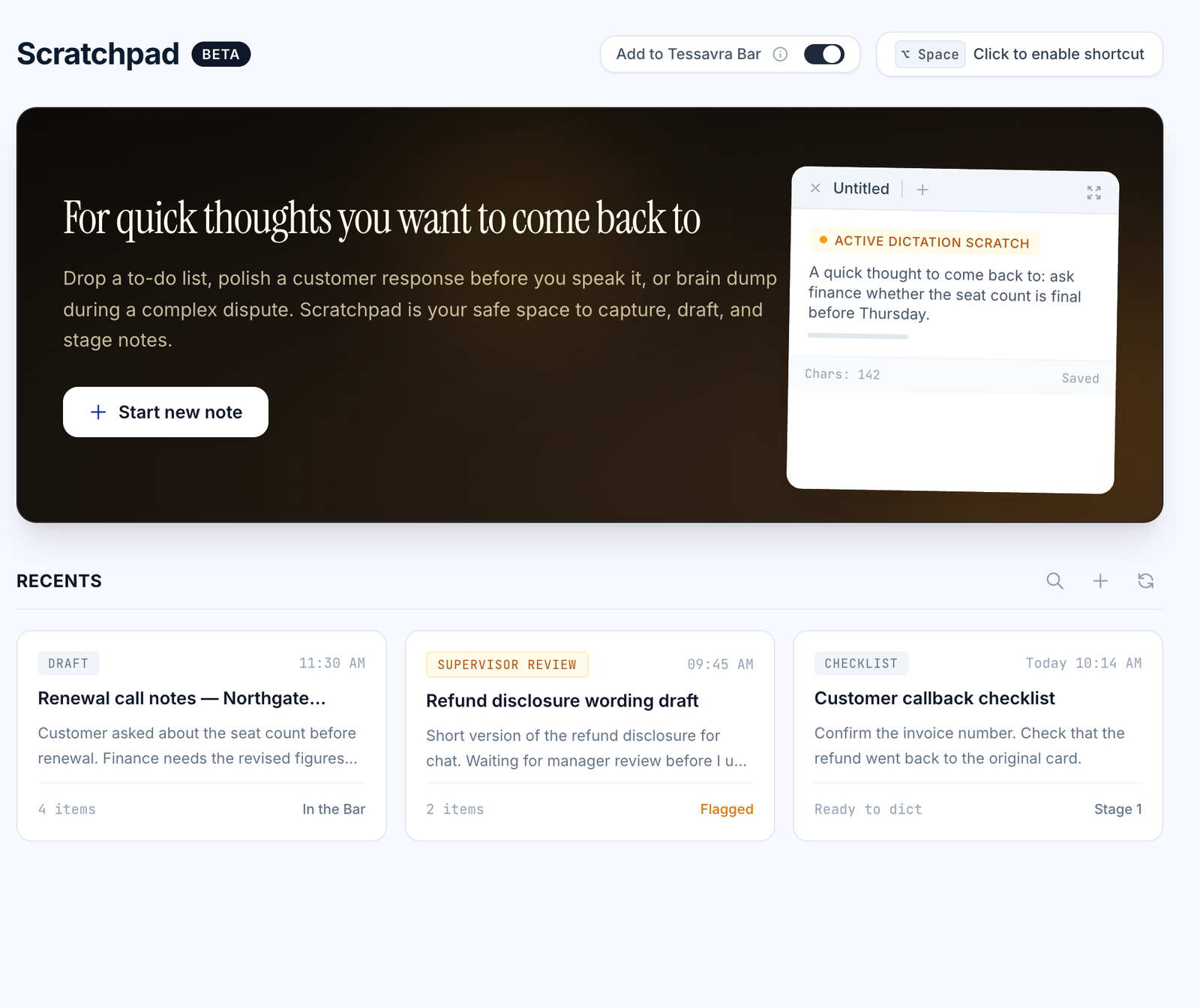
Somewhere to keep quick thoughts.
Capture a to-do list, draft a reply before you say it, or brain dump during a busy day.
- Drafts, checklists and quick thoughts in one place
- Opens in its own window
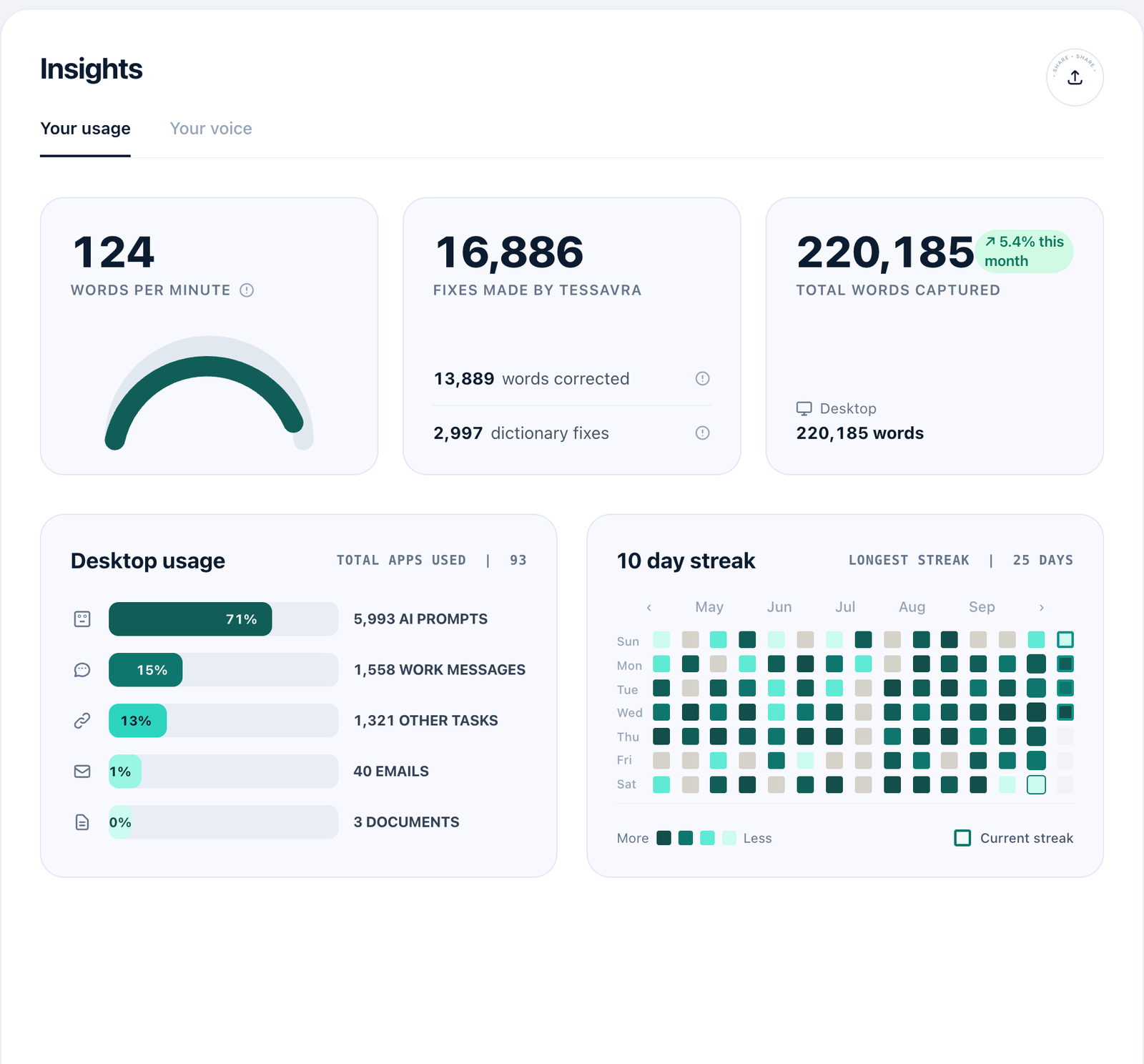
Insights
See how you dictate.
Counts such as words dictated, kept on this computer. Insights never include the text. Some tiles are still placeholders.
- Counts only, never your words
- Counted for the whole computer, not per person
Made for how people actually work.
Any Mac app
One shortcut, wherever you are typing on macOS.
Your words
Tidied, not rewritten, unless you choose a Transform.
Secure fields skipped
Dictation does not type into password fields.
More in Tessavra Agent.
The rest of the platform.
Common questions
Does dictation change my call recordings?
Dictation types text where your cursor is. It does not edit a stored recording or transcript.
Can I dictate while a call is being captured?
We have not yet confirmed that dictation and call capture can run at the same time, so we make no claim that they do.
Who sees what I dictate?
Insights are counts only, never the text. When text clean-up is on, dictated text is sent to a cloud language model for that pass. Your own dictionary terms are kept on this computer.
Can my admin turn tools on or off?
Admins can set up each team with the tools it needs, and some settings can be locked by your organisation.
Talk to us about this.
Dictation and everyday tools is in development. Tell us what you want it to do and we will say plainly where it stands.
Register interest