Conversation Intelligence · Ask and validate
Ask a meeting. Confirm what counts.
Ask a question about one meeting and get an answer from its transcript. Research findings wait in a queue until a person confirms the cited turn.
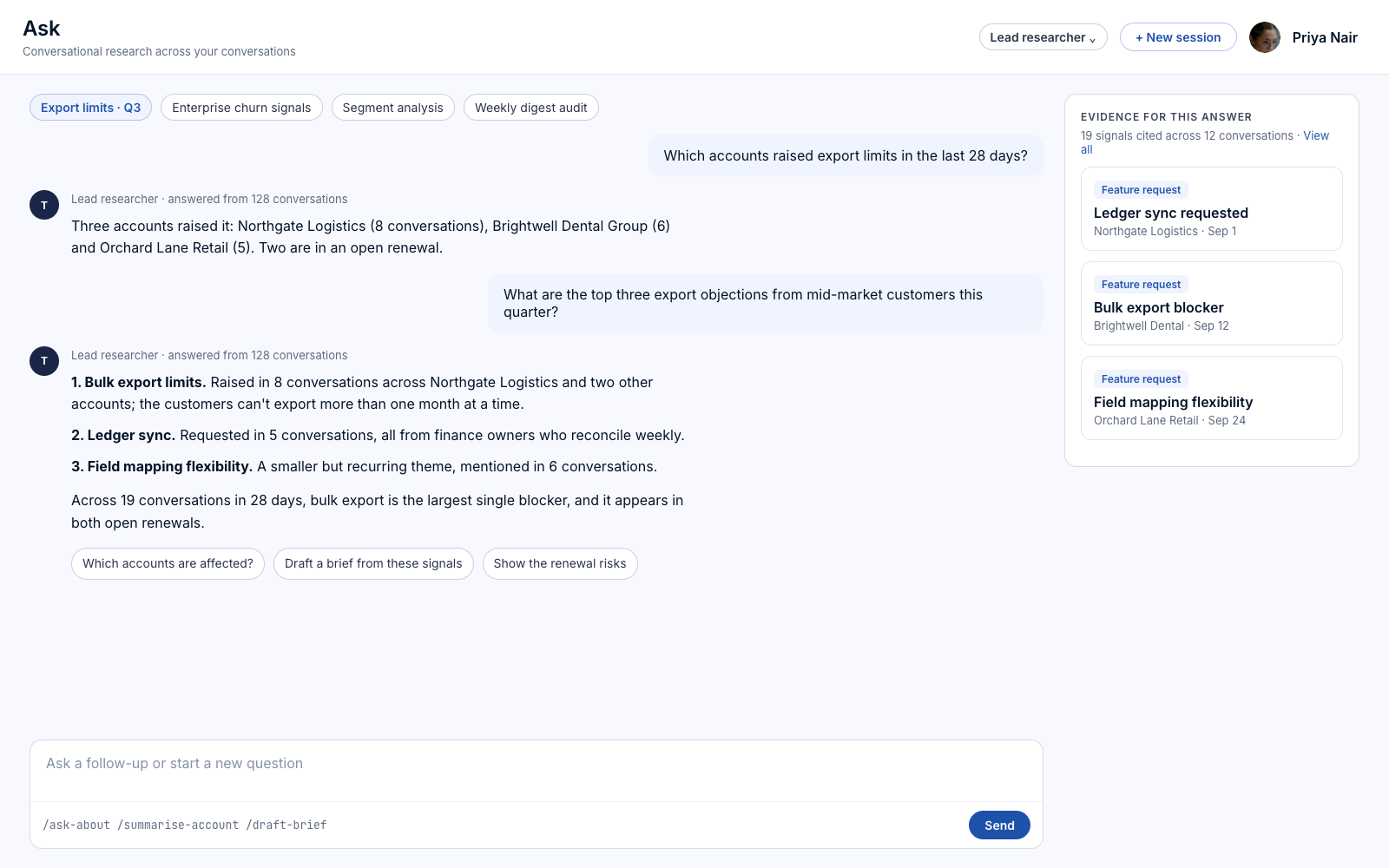
Current limits
- Asking about one meeting works in the desktop app. Search across all conversations in an organisation is not available yet.
Illustrative interface — fictional demonstration data.
Ask
A question about one meeting.
Ask about a meeting in the desktop app and get an answer from that meeting's transcript. Search across all of your conversations is not available.
- One meeting at a time
- Works in the desktop app
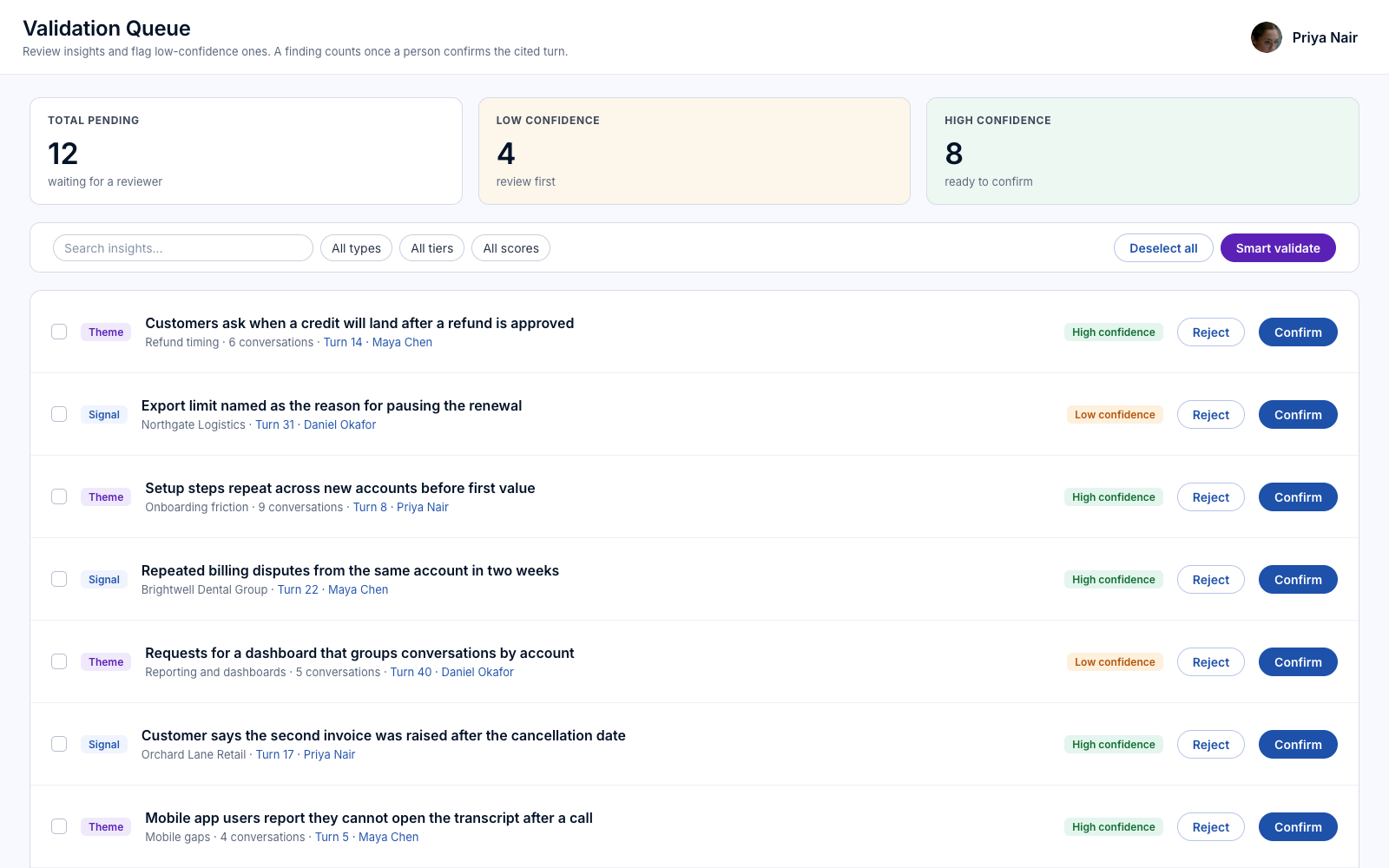
Validation Queue
A finding waits for a person.
The Validation Queue holds research findings until someone confirms the cited turn. The decision is kept with the finding.
- Findings wait for confirmation
- The cited turn shown beside each finding
Answers you can check.
One meeting
An answer comes from the transcript of the meeting you ask about.
Confirmed by people
Research findings wait for a reviewer.
Traceable
The cited turn is shown beside each finding.
More in Conversation Intelligence.
The rest of the platform.
Common questions
What does Ask search?
The transcript of one meeting, in the desktop app. Search across all conversations is not available.
Who confirms a finding?
A reviewer on your team, from the Validation Queue.
Can I ask across interviews?
No. Ask works on one meeting at a time.
Talk to us about this.
Ask and validate is in development. Tell us what you want it to do and we will say plainly where it stands.
Register interest